
Customer Portals & Dashboards
Secure login areas, self-service journeys, request flows, admin views, and reporting dashboards built around your users, data, and operational requirements.
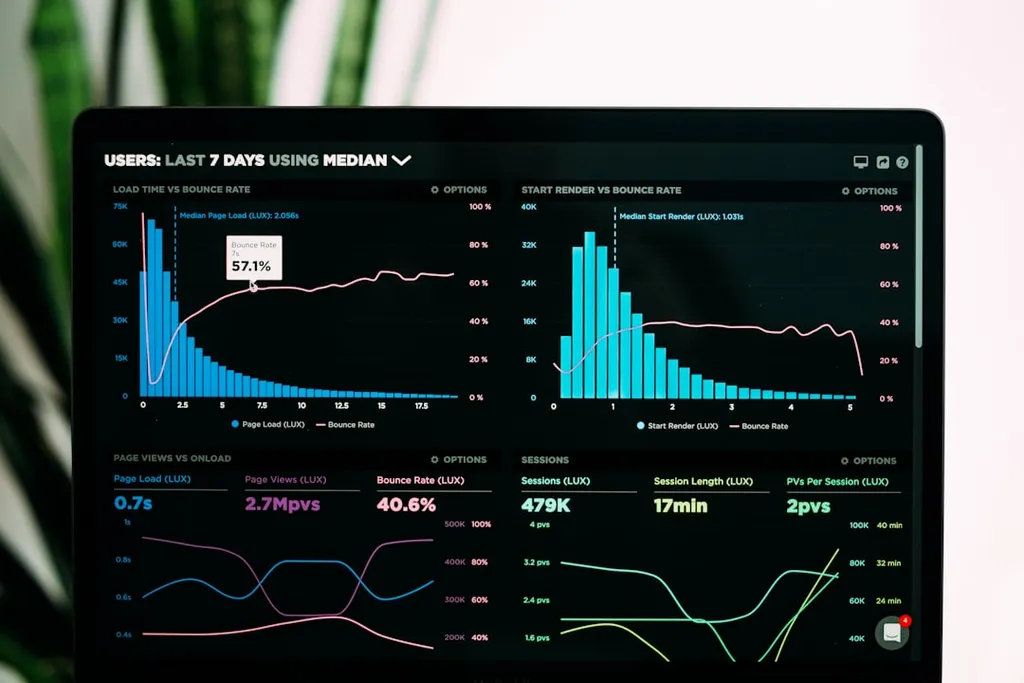
Portal and dashboard development
Customer portals give your clients, customers, or external users a structured, secure way to interact with your business — without going through a member of staff for every request.
Admin dashboards give your internal teams, managers, and operations staff a clear view of the data, users, and activity they need to manage effectively.
Portal and dashboard requirements depend on data, users, permissions, integrations, security requirements, privacy needs, hosting, third-party systems, and agreed scope.
Portal and dashboard types
Secure login area for clients to manage their account, requests, and information.
Internal management interface for staff, managers, and operations teams.
Data summary views, charts, and filters for leadership and operations reporting.
Customer-facing flows that allow users to complete tasks without staff involvement.
Secure document collection, sharing, and management between business and clients.
Structured request, ticket, or job submission and tracking for customers or staff.
Common portal and dashboard features
Secure authentication
User login, registration, password reset, and session management appropriate to the data and user requirements.
Role-based access
Different views, permissions, and capabilities for customers, staff, admins, and managers.
Request and ticket flows
Structured submission, tracking, status updates, and resolution flows for customer requests.
Document management
Secure upload, storage, retrieval, and sharing of documents between business and clients.
Booking and scheduling
Appointment booking, availability management, and confirmation flows integrated with the portal.
Status and progress tracking
Real-time or near-real-time status visibility for ongoing jobs, orders, cases, or projects.
Notifications
Email and in-portal notifications for key events, updates, actions required, and status changes.
Reporting dashboards
Summary views, data filters, charts, and export options for management and operations reporting.
Profile and account management
Users managing their own contact details, preferences, and account information securely.
Integration connections
Portal data connected to CRM, payment systems, email platforms, and internal business systems.
Start a portal or dashboard enquiry
Describe your users, the data they need access to, and the key flows the portal must support. Orbit Core will review your enquiry and confirm next steps.